CrushOn AI Not Working: Diagnose the Real Cause and Fix It
"Not working" covers a lot of different problems with different solutions. Correct diagnosis before trying random fixes saves time. This guide goes through each failure type with what causes it and what actually resolves it.
Step One: Identify the Specific Problem
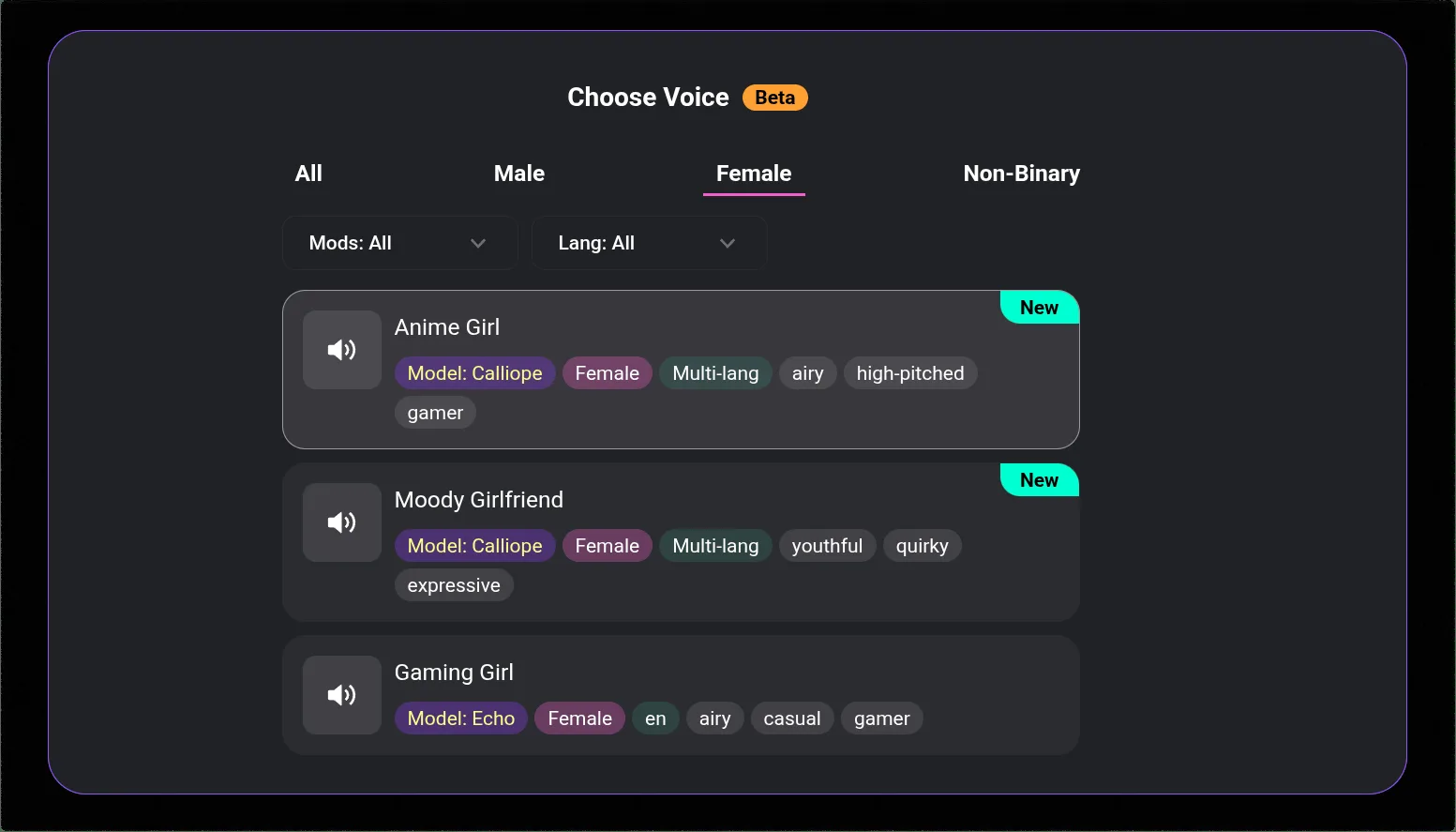
The fix depends on what is actually broken:
- Messages not sending or failing mid-conversation → server issue or exhausted message quota
- "Image not found" error → server delivery failure (not a generation failure)
- Cannot log in → account access issue
- App crashes on launch → outdated version or compatibility issue
- Very slow responses → server congestion during peak hours
- Character behaving strangely → model or context issue, not a platform bug
- Features missing from your account → plan tier issue
Messages Not Sending
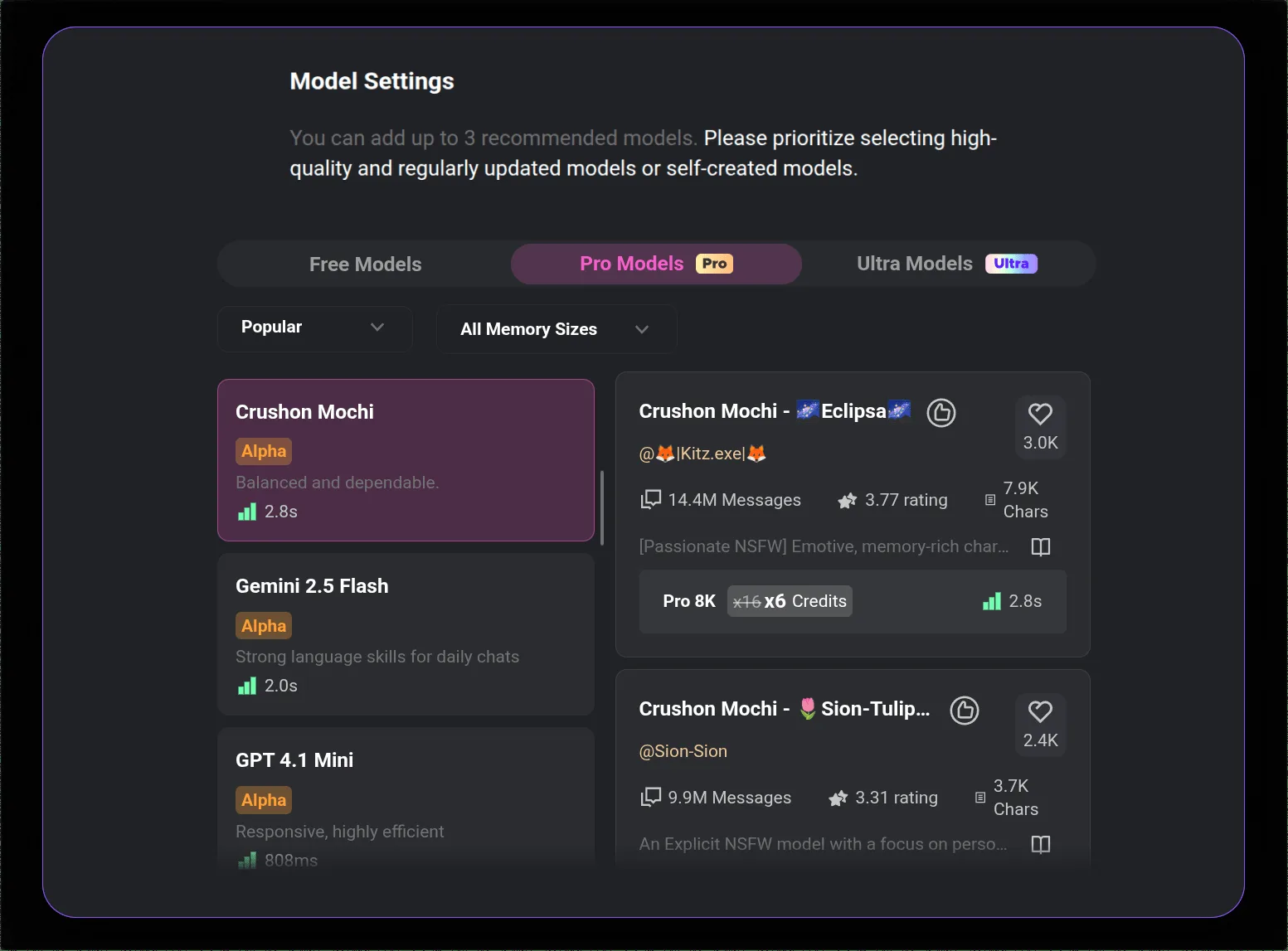
Check your message count first. The free tier has a 50-message daily limit. Paid plans have monthly limits (Standard: 2,000/month, Premium: 6,000/month). If you are at or near the limit, messages will fail to send until the count resets.
Where to check: account settings or the message counter visible in the app interface.
If the count is not the issue:
Your session has likely expired. Log out completely, close the browser or force-close the app, reopen, log back in. This resolves a significant percentage of "messages not sending" reports.
If the session refresh does not help:
Server congestion is the next most likely cause, particularly during evening hours US time. Wait 10-15 minutes and retry. This is not a satisfying answer, but it is the accurate one.
Switch browsers as a diagnostic step. Chrome with extensions can interfere with the chat interface. Edge or Firefox on the same connection often works when Chrome does not.
"Image Not Found" Error
This error is consistently reported and consistently misunderstood. The image is generated on CrushOn AI's servers — the failure is in delivery, not creation.
The fix is simple, just slow: wait 5-10 minutes and try generating again. The server queue typically clears. Scrolling through the conversation sometimes causes the image to load lazily (it may have already been delivered but not rendered).
Morning generation (before noon US Eastern time) is substantially more reliable than evening generation. Server load peaks in the evening when US users are most active. If image generation is important to you, work around peak hours.
If "image not found" persists across multiple attempts over several hours, check Twitter @CrushonAI — extended server issues get announced there.
Login Problems
Wrong password: Use the "Forgot password" link on the login screen. Check spam if the reset email does not arrive within 5 minutes.
Signed up via Google but trying email login: Use the same method you originally registered with. If you used Google sign-in, you cannot use email/password unless you set one up.
Account not found: Verify the email address you are entering is the one you registered with. Some users have multiple email addresses and forget which one they used.
Regional access block: Some regions block access to adult content platforms at the ISP or national level. A VPN to a US or EU server resolves this. CrushOn AI functions normally with VPN use.
App Crashing on Launch
Update the app. Most crash-on-launch issues on Android are fixed in recent versions. Update via Google Play, or download the current APK (version 6.5.x) directly from crushon.ai.
Check Android version compatibility. CrushOn AI requires Android 5.0 or higher. Older devices may experience stability issues.
For iPhone users: If the App Store version is unavailable in your region (Apple restricts it due to content policies), use crushon.ai in Safari instead. The web version does not crash and has full feature parity.
Reinstall: If updating does not fix a crash, uninstall completely, restart your device, reinstall.
Slow Responses
Slow responses are almost always server-side during peak hours. Evening US time is the worst. Morning is the fastest.
If slowness persists outside peak hours: check your connection (CrushOn AI benefits from at least 5 Mbps for image delivery), clear browser or app cache, and try a different browser.
Ready to try CrushOn AI?
Visit CrushOn AICharacter Behaving Strangely
A character suddenly acting inconsistently with its defined personality is almost never a platform bug.
Most common causes:
- Very long conversation: AI context fills up and earlier instructions lose weight. Start a fresh conversation.
- The character creator updated the character definition — public characters can be edited by their creators.
- The personality description was vague: the AI always had latitude to interpret it, and you are noticing that now.
- You upgraded or changed models mid-account: different models follow character instructions differently.
None of these require contacting support. Start a fresh conversation, or create your own character with more specific behavioral definitions.
If Nothing Resolves It
Contact CrushOn AI support: info@crushon.ai. Include your account email and a specific description of the issue.
For real-time status: Twitter @CrushonAI posts server status updates. The Discord community identifies and reports issues quickly.
Frequently Asked Questions
Most likely server congestion. Check Twitter @CrushonAI for status updates. If no outage is posted, try refreshing your session (log out and back in) and wait 10-15 minutes before retrying.
Check your message count first — the free tier stops at 50/day and paid plans have monthly caps. If the count is not the issue, your session likely expired — log out and back in. Server congestion is the next most likely cause.
Server delivery failure during high-traffic periods. The image generates but fails to transmit. Wait 5-10 minutes and retry. Morning hours (US Eastern) are substantially less congested than evenings.
Peak hour server load. Evening US time is the highest traffic period. The platform is usable but response times degrade visibly. Morning and midday are faster. Clearing your browser cache can also help with client-side slowness.
Email info@crushon.ai for account issues. Twitter @CrushonAI for platform status. The Discord community is often faster for troubleshooting because other users share workarounds in real time.