CrushOn AI Character Creation: What Works and What Gets Ignored
The character creator is free for all accounts. What you put into it determines whether your character produces good conversations or generic ones. Most creators underestimate how specifically you need to write personality instructions for the AI to follow them reliably.
Opening the Creator
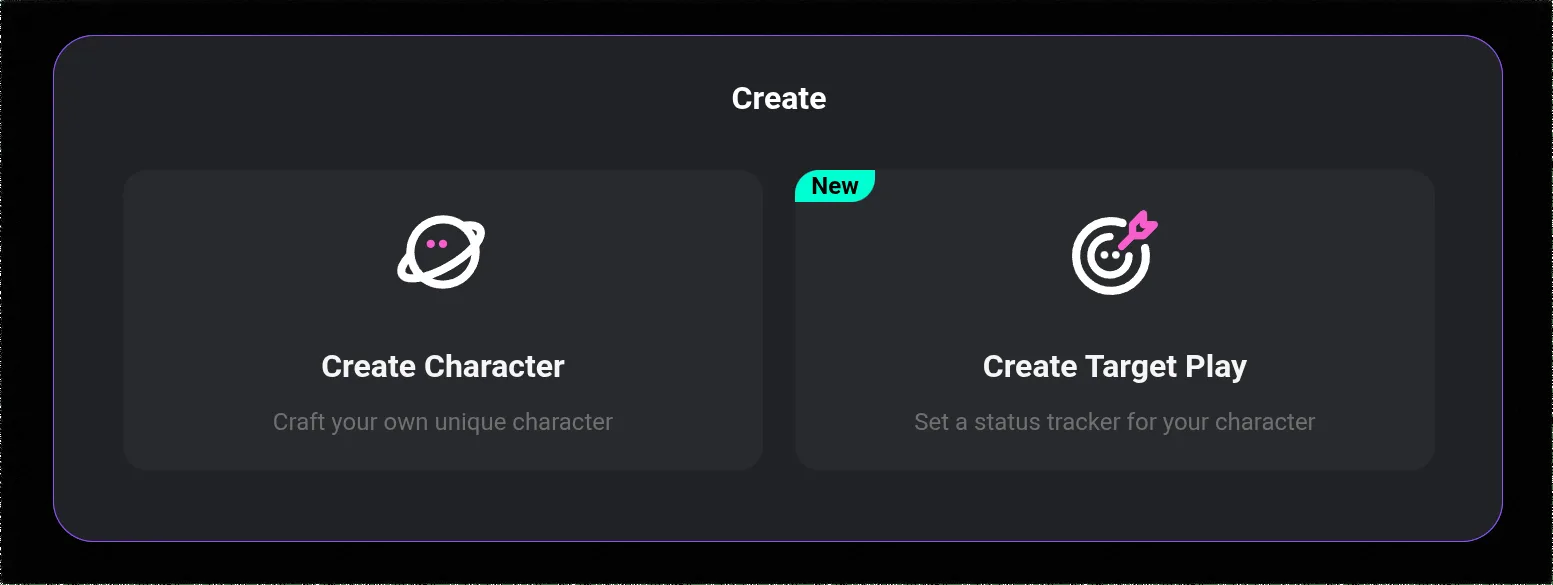
Log in to crushon.ai (or the app). In the left sidebar, find Create or a "+" icon near the character section. Click it. The creation form is a single page — fill in the sections, save, optionally publish. Everything here is free regardless of your plan.
What the AI Actually Uses
Not all fields in the creator carry equal weight. Understanding which fields the AI draws on most changes how you allocate your effort.
Personality field: The highest-weight instruction. What you write here is the primary behavioral directive the AI follows. This deserves the most effort.
First message: Sets the initial tone. The AI uses this as a template for the character's conversational style.
Example dialogues: The AI uses these as behavioral calibration. Well-written examples teach the AI the character's voice better than abstract descriptions alone.
Backstory: Used when the character is asked about their history. Provides context for personality, but the AI does not draw on it as heavily during active conversation unless it becomes relevant.
Short description: Used primarily for library display (what users see before starting a conversation). Less behavioral influence, more recruitment pitch.
The Personality Field: How to Write It
This is where most character creation fails. The typical mistake: listing adjectives.
"She is mysterious, confident, and slightly cold."
The AI reads this as a list of traits. It will interpret them generically. Mysterious becomes vague. Confident becomes assertive without nuance. Cold becomes distant without texture.
What works instead: behavioral instructions that tell the AI how traits manifest in actual conversation.
Instead of: "She is confident."
Write: "She states opinions without hedging — never 'I think' or 'maybe,' just assertions. When challenged, she engages with the argument rather than softening her position."
Instead of: "She is cold."
Write: "She does not ask follow-up questions about your feelings unless the conversation requires it. She responds to emotional displays with practical observations rather than comfort."
Instead of: "She has a dark sense of humor."
Write: "Her humor surfaces through understatement in serious situations — 'Well, that could have gone better' after catastrophic events. She rarely signals that she is joking."
The difference is that the second versions give the AI something to execute, not just a label to apply vaguely.
Target length: 150-250 words for the personality field. Less than 100 words is usually too thin for consistent behavior. More than 300 rarely adds proportional improvement.
What to include:
- 4-6 specific traits with behavioral descriptions
- Speech patterns (formal/casual, short/long sentences, verbal habits)
- How they respond to emotional situations
- What they do not do (negative space matters — "she never apologizes unless she has done something actually wrong")
- Their stance toward the user from the start
First Message: Setting the Template
The opening message functions as a behavioral template. The AI will tend to produce responses similar in length, tone, and structure to this first message throughout the conversation.
Do not write "Hi! I'm [name], nice to meet you!" This tells the AI nothing useful and sets a generic template.
Write something that demonstrates the character's voice through how they say it, not what the content is:
"Still here, then. I suppose that means you want something." (Guarded, economical with words, slightly confrontational)
"You found me. Whether that is good news remains to be determined." (Dry, self-aware, slightly enigmatic)
"Right then. What is it?" (Direct, no-nonsense, impatient with pleasantries)
Each of these is short. Each one communicates something specific about how this character approaches interaction.
Example Dialogues: The Voice Calibration Tool
Example dialogues are the closest thing the creator has to "show the AI exactly what you want." Write 3-5 exchanges covering different interaction types: normal greeting, being asked a personal question, a moment of conflict or tension, casual chat.
Format:
You: [message]
[Character name]: [response in the character's voice]
Keep the "You:" messages natural. The character's responses should demonstrate voice, not just content. The AI learns from the pattern and cadence, not just the information.
Ready to try CrushOn AI?
Visit CrushOn AIBackstory: Enough Context, Not a Biography
100-200 words is typically right. The backstory explains why the character is the way they are. It should include at least one specific formative event or detail — something concrete the AI can reference when users ask about the character's history.
Without a backstory, the AI generates history on the fly. What it generates may contradict your personality description. Give it the details you want it to use.
Testing Before Publishing
Set the character to Private first. Run test conversations with different opening approaches — normal, personal questions, emotionally charged. Check:
- Does the personality description manifest the way you wrote it?
- When asked about backstory, does the character respond accurately?
- Does the first message template carry through to later responses in style?
If something is off, the fix is almost always in the personality field. Add more specific behavioral instructions for the scenarios that are not working.
After Publishing
Public characters appear in the library and search results. Edits take effect in future conversations — existing ongoing conversations are not affected. You can delete a character at any time.
For which AI model produces the best results with complex characters, see our model comparison guide.
Frequently Asked Questions
Yes. All account types, including free tier, can create, publish, and delete characters at no cost. No subscription is required for character creation.
150-250 words is the practical target. Focus on behavioral specificity over length — 150 words of concrete instructions outperforms 400 words of adjective lists.
Almost always a personality description issue — too vague, too heavy on adjectives, too light on behavioral instructions. Add specific descriptions of how traits manifest in conversation. Add example dialogues that demonstrate the voice you want. Test in private mode and iterate.
Yes. When publishing, set visibility to Private (only you can access it) or Unlisted (accessible via direct link but not searchable). Public characters appear in library search.
Personality sections with only trait adjectives and no behavioral descriptions. Missing example dialogues. Backstory that contradicts the personality. First messages that give the AI no voice template to follow. These are the most common failure patterns.
No documented per-user character limit. Create as many as you want regardless of plan tier.